
V2Ray VPN for Windows – Secure, Private, and Fully Anonymous
Take control of your online privacy with Vpnymous V2Ray VPN for Windows. Whether you’re bypassing government censorship, securing data on public Wi-Fi, or protecting your identity from tracking and surveillance, Vpnymous gives you digital freedom. Our advanced V2Ray technology uses stealth protocols like WebSocket, TLS, and CDN routing to outsmart deep packet inspection and firewall blocks. With support for anonymous crypto payments and zero logs, Vpnymous is the trusted choice for users who demand speed, security, and privacy all in one.
Service
Why Use V2Ray on Windows?
setup
How Do I Set Up Vpnymous V2Ray?
Follow these simple steps to set up your device.
Step 1
Buy Account
Purchase your Vpnymous account — you can buy V2Ray VPN with crypto like Bitcoin, Ethereum or Tron.
Step 2
Login to Dashboard
Use your username and password to log in to your secure account panel.
Step 3
Download Config File
Choose the right configuration file for your device and preferred server location (country), then import it into your V2Ray app.
Get Started with V2Ray VPN on Windows
Download the app. Import your config. Connect in seconds.
Secure your PC with advanced stealth technology that bypasses firewalls and keeps your traffic private.
✅ Download the open-source V2RayN, Hiddify or Qv2ray client
✅ Import your config file from the Vpnymous dashboard
✅ Connect instantly — no logs, no ID, no tracking




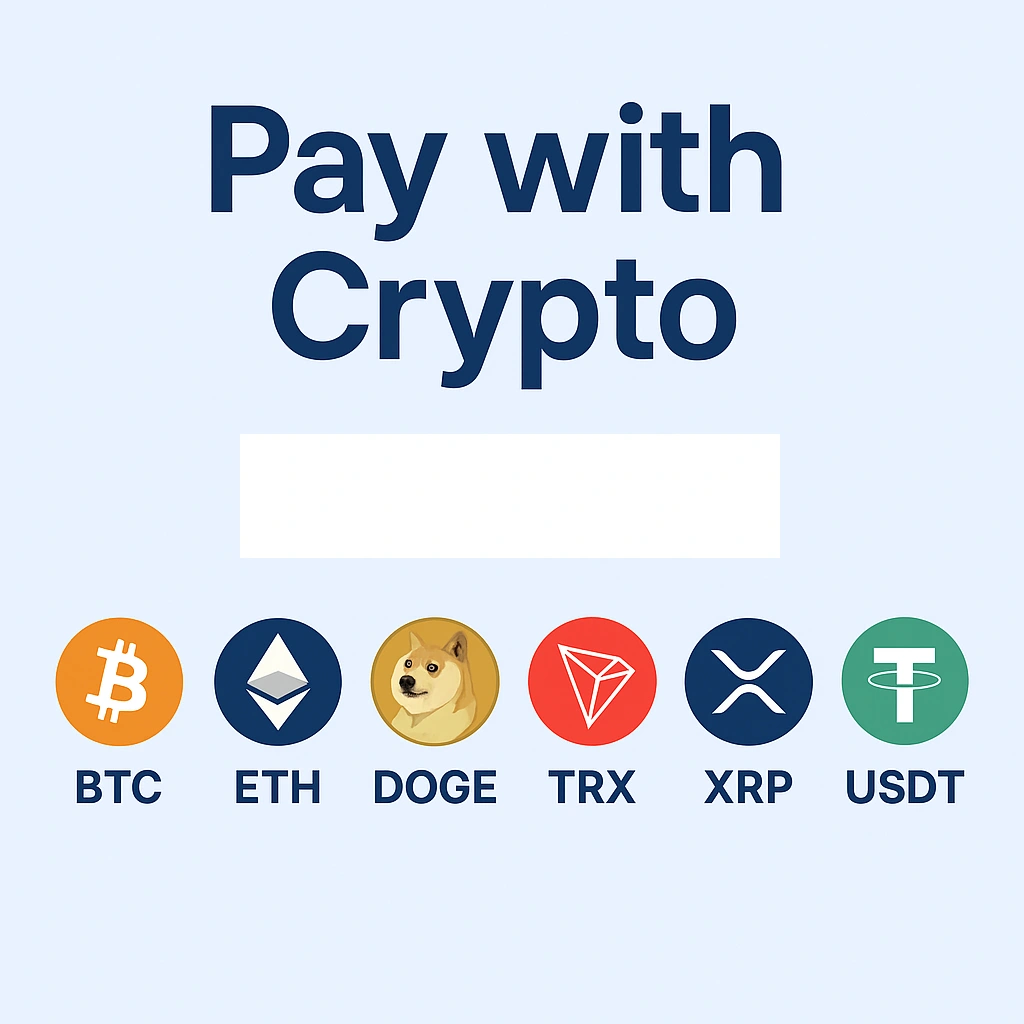
Accepted Payment Methods:
💰 Buy V2Ray VPN with Bitcoin (BTC)
🪙 Buy V2Ray VPN with Ethereum (ETH)
🐶 Buy V2Ray VPN with Dogecoin (DOGE)
🚀 Buy V2Ray VPN with Tron (TRX)
💎 Buy V2Ray VPN with Ripple (XRP)
💵 Buy V2Ray VPN with USDT (Tether)
FAQ – V2Ray VPN for Windows
We recommend using V2RayN, Hiddify or Qv2ray. All 3 are open-source clients that fully support V2Ray protocols including VMess, VLess, and Trojan. They're lightweight, secure, and widely used by the privacy community.
Buy your account with crypto (Bitcoin, Ethereum, etc.)
Log in to your dashboard
Download the V2Ray config file for your chosen server
Import the config into V2RayN, Hiddify or Qv2ray
Click Connect to stay private and censorship-free
Yes. Our V2Ray VPN uses WebSocket + TLS + CDN routing to defeat censorship and DPI (deep packet inspection). It's a powerful option for staying connected in countries with restricted internet access.
Absolutely. Vpnymous lets you buy V2Ray VPN with Bitcoin, Ethereum, Tron, Dogecoin, Ripple (XRP), and USDT. No personal info or credit card required.
Yes. We operate with a strict no-logs policy. We do not collect or store any logs of your activity, identity, or usage history — ensuring total privacy at all times.
Let's Try! Get Free Support
Buy VPN with Crypto — No Logs, No Limits
No credit card? No problem. Pay with Bitcoin, Ethereum, or USDT.
- Free trial
- No credit card required
- Support 24/7
- 30 days money-back guarantee