


V2Ray VPN for macOS – Complete Privacy, Zero Compromise
Unlock a truly uncensored internet experience on your Mac with Vpnymous V2Ray VPN for macOS.
Whether you’re bypassing government censorship, securing your personal data on public Wi-Fi, or simply protecting your digital footprint, Vpnymous gives you powerful, open-source tools built for privacy. With full configuration control, high-performance protocols like WebSocket + TLS + CDN, and complete support for anonymous crypto payments, you can browse, stream, and communicate freely — without logs, tracking, or identity exposure. Perfect for users in Russia, Iran, and beyond.
Service
Why Use V2Ray on MacOS?
setup
How Do I Set Up Vpnymous V2Ray?
Follow these simple steps to set up your device.
Step 1
Buy Account
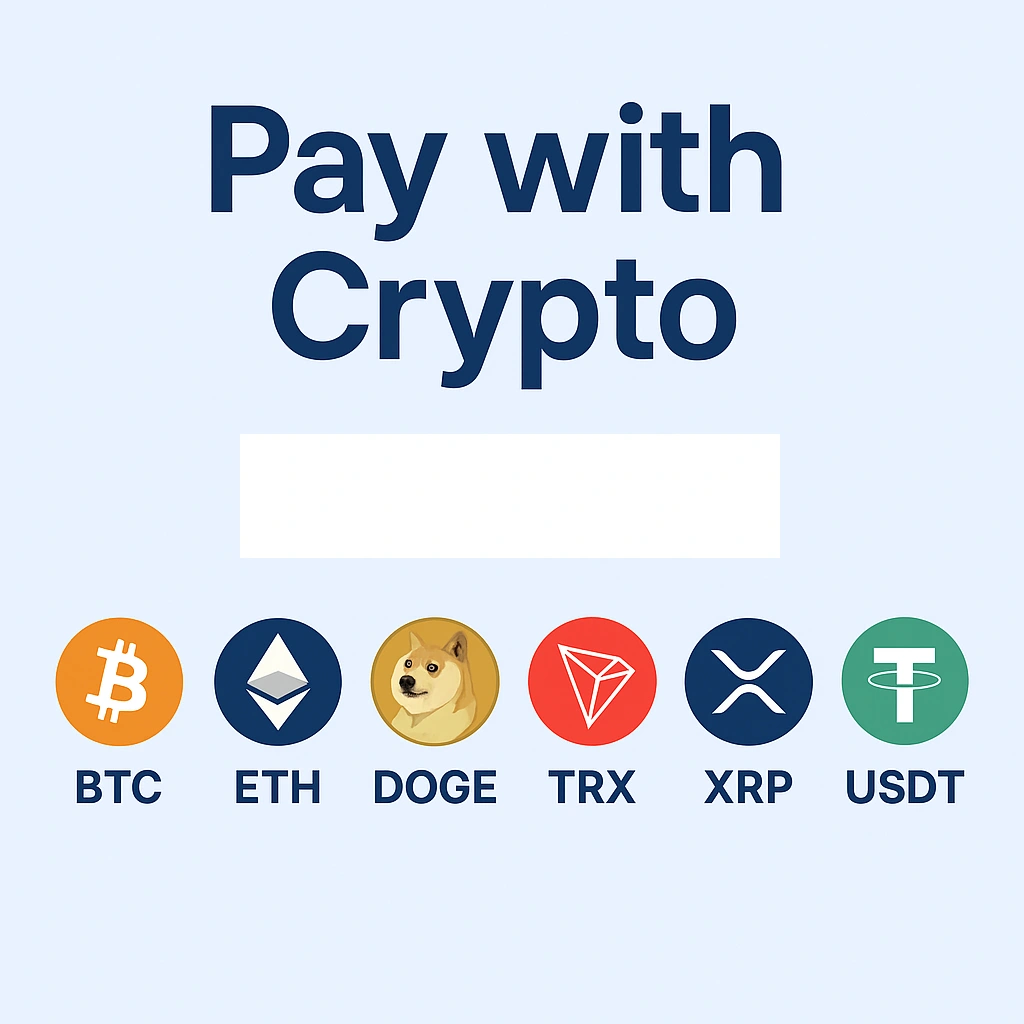
Purchase your Vpnymous account — you can buy V2Ray VPN with crypto like Bitcoin, Ethereum or Tron.
Step 2
Login to Dashboard
Use your username and password to log in to your secure account panel.
Step 3
Download Config File
Choose the right configuration file for your device and preferred server location (country), then import it into your V2Ray app.
Get Started with V2Ray VPN on MacOS
Install the app. Import your config. Enjoy private, censorship-free internet.
Protect your Mac with stealth-grade V2Ray technology — perfect for bypassing firewalls in Russia, Iran, and beyond.
✅ Use V2RayX or Qv2ray on macOS
✅ Import config from your Vpnymous account
✅ Connect with one click — no logs, no tracking, no ID

FAQ – V2Ray VPN for macOS
You can use V2RayX or Qv2ray, both of which are compatible with macOS. These apps support all V2Ray protocols and are ideal for users who need flexible, secure VPN configurations on Mac.
Buy your account anonymously with crypto
Log in to your account and download your V2Ray config
Install V2RayX or Qv2ray
Import the config manually or with a QR code
Hit Connect — and enjoy safe, private browsing on your Mac
Yes. Vpnymous V2Ray is designed to bypass firewalls in countries like Russia, Iran, and China using WebSocket, TLS, and CDN obfuscation — technologies that make your traffic look like regular HTTPS.
Yes! You can buy V2Ray VPN for macOS with Bitcoin, Ethereum, Tron, Ripple, Dogecoin, and other cryptocurrencies. No credit card, no identity required.
No. Vpnymous is a 100% no-logs VPN provider. We do not track, store, or record your activity, connection data, or identity — ever.
Let's Try! Get Free Support
Buy VPN with Crypto — No Logs, No Limits
No credit card? No problem. Pay with Bitcoin, Ethereum, or USDT.
- Free trial
- No credit card required
- Support 24/7
- 30 days money-back guarantee