 admin
adminIntroduction: The Challenge of Unpredictable Demand
A V2Ray service is often subject to highly unpredictable traffic patterns. A sudden event, political change, or news coverage can cause user demand to spike from zero to thousands of concurrent connections within minutes. A static, single-server deployment will fail instantly under this load, leading to slowdowns, service outages, and loss of user trust.
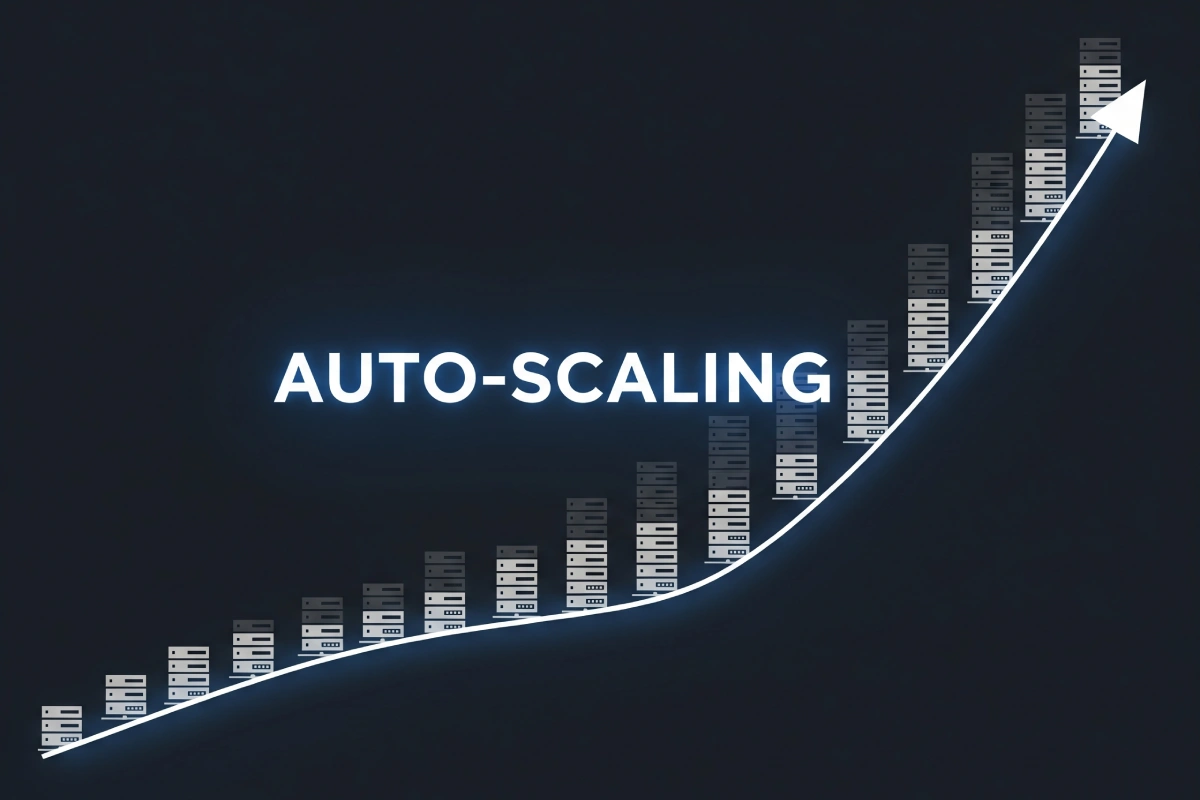
Auto-Scaling is the advanced cloud computing technique that solves this problem. It allows a service to dynamically adjust its capacity—adding more servers (nodes) during peak demand and automatically shutting them down during low usage—to ensure performance remains constant. This creates an elastic infrastructure that is both resilient to traffic spikes and highly cost-efficient, as you only pay for the extra resources when they are actually needed.
For V2Ray, auto-scaling relies on three core components: real-time monitoring, a stateless V2Ray configuration, and a robust external orchestration system (like Kubernetes or a cloud provider’s Auto Scaling Group).
Section 1: The Core Principles of V2Ray Scaling
V2Ray is inherently well-suited for scaling because its protocols are designed to be stateless and its configuration is centralized.
1. Stateless Design (The VLESS Advantage)
Stateless protocols are crucial for scaling. A server is considered stateless if it does not store information about a user’s session or history locally.
- VLESS and REALITY: These protocols are inherently stateless (Article 17, 18). Once authentication is complete, the server treats every packet independently. This means a client can start a session on Server A, and the next connection can be handled perfectly by a newly deployed Server B without loss of continuity.
- VMess: While V2Ray core supports session tracking, VLESS and REALITY are the preferred protocols for auto-scaling due to their minimal, connection-by-connection authentication.
2. Monitoring Metrics (The Trigger)
Auto-scaling requires real-time data to know when to add capacity. The triggers are based on metrics collected either from the V2Ray core via the API (Article 38) or from the host operating system.
- CPU Utilization: If the average CPU usage across the server pool exceeds a threshold (e.g., 70%) for a sustained period, new servers are needed. This is the most common trigger.
- Network Throughput: If the network interface is consistently hitting its bandwidth limit (e.g., 900 Mbps on a 1 Gbps port), it signals the need for more network capacity.
- Active Connections: The V2Ray API’s
StatsServicecan report the number of active UUID connections. If this count exceeds a pre-defined maximum (e.g., 5,000), a scale-up event is initiated.
Section 2: Implementing Auto-Scaling with External Orchestration
V2Ray does not contain its own auto-scaling logic; it relies on established cloud platforms or orchestration tools. The process involves creating a master configuration and a mechanism to distribute traffic.
1. The Golden Image (The Template)
The first step is to create a template, often called a “Golden Image” (or Docker Image, Article 23), that contains:
- The V2Ray core binary.
- The complete and identical
config.json(including all UUIDs, policies, and routing rules). - The required TLS certificates (copied from the original server).
- The necessary system hardening (UFW, BBR configuration).
Every new server spun up by the auto-scaling system must be an exact clone of this template.
2. The Scaling Group and Load Balancer
The scaling system is typically built around two components provided by the cloud vendor:
- Load Balancer (Entry Point): A single public IP address that receives all incoming client traffic (on Port 443). The Load Balancer’s role is to distribute this traffic to the healthy servers in the pool.
- Auto Scaling Group (ASG): This group monitors the utilization metrics and launches new “Golden Image” servers when the metrics exceed the ceiling, or terminates servers when the metrics drop below the floor (saving costs).
3. V2Ray Configuration for Scaling
For V2Ray to work in this environment, it must listen on all internal network interfaces and rely on the external Load Balancer to handle the public IP and TLS termination.
- TLS Termination: In a scalable setup, it is often more efficient for the Load Balancer (LB) to perform the TLS decryption and then forward the traffic to V2Ray unencrypted over the private network. This reduces the CPU load on every V2Ray node.
- Traffic Routing: The V2Ray Inbound must listen on the internal network port designated by the LB (e.g., Port 80 on
0.0.0.0) and receive the client’s UUID and destination information from the LB headers.
Section 3: The Scaling Lifecycle (Scale-Up and Scale-Down)
1. Scale-Up Events (Adding Capacity)
When demand spikes (e.g., CPU > 70%), the ASG launches a new clone server.
- Launch Time: Modern cloud servers can boot and launch the V2Ray Docker container in less than 60 seconds.
- Health Check: Once the new server is running and the V2Ray service is active, the LB performs a health check (e.g., pings the server or checks a specific internal status page).
- Integration: Once the health check passes, the LB instantly begins routing new client connections to the new server, distributing the load across the entire expanded pool.
2. Scale-Down Events (Saving Cost)
When demand drops (e.g., CPU < 30%) for a sustained period (e.g., 10 minutes), the ASG begins terminating the extra servers.
- Connection Draining: The LB stops sending new connections to the server designated for termination but allows existing connections to gracefully conclude. This ensures minimal disruption for active users.
- Termination: Once all connections are drained, the ASG deletes the server instance, and billing stops, leading to significant cost savings during off-peak hours.
Section 4: Advanced Auto-Scaling Considerations
1. The Cold Start Problem
If demand spikes too quickly, the system may struggle to launch new servers fast enough, leading to brief latency spikes. This is the Cold Start problem.
- Solution: Maintain a minimum number of ready nodes (e.g., two servers) during all periods, even quiet ones, ensuring immediate capacity when the spike begins.
2. Distributed Statistics and Logging
In a multi-node environment, V2Ray API statistics and audit logs (Article 42) are fragmented across dozens of servers.
- Solution: Centralized logging (ELK stack) is mandatory. All V2Ray nodes must be configured to stream their logs and API metrics to a central collector (Article 42, Section 3). This ensures the administrator has a single, cohesive view of the entire fleet’s usage and security events.
3. Database Consistency
If V2Ray relies on dynamic external data (e.g., custom user lists stored in an external database rather than the static config.json), all nodes must have immediate, low-latency access to that single database source. Database failures are a major point of failure in scaled deployments.
Conclusion: The Elastic V2Ray Service
Auto-scaling transforms V2Ray from a static proxy solution into an elastic, enterprise-grade service capable of handling global demand fluctuations. By leveraging stateless protocols like VLESS, implementing external monitoring triggers, and structuring the deployment around cloud-native load balancing and scaling groups, administrators can guarantee consistent performance, exceptional resilience to DoS attacks, and optimal cost efficiency. The goal is to create a V2Ray service that is not just fast, but dynamically available whenever and wherever the users need it.

